




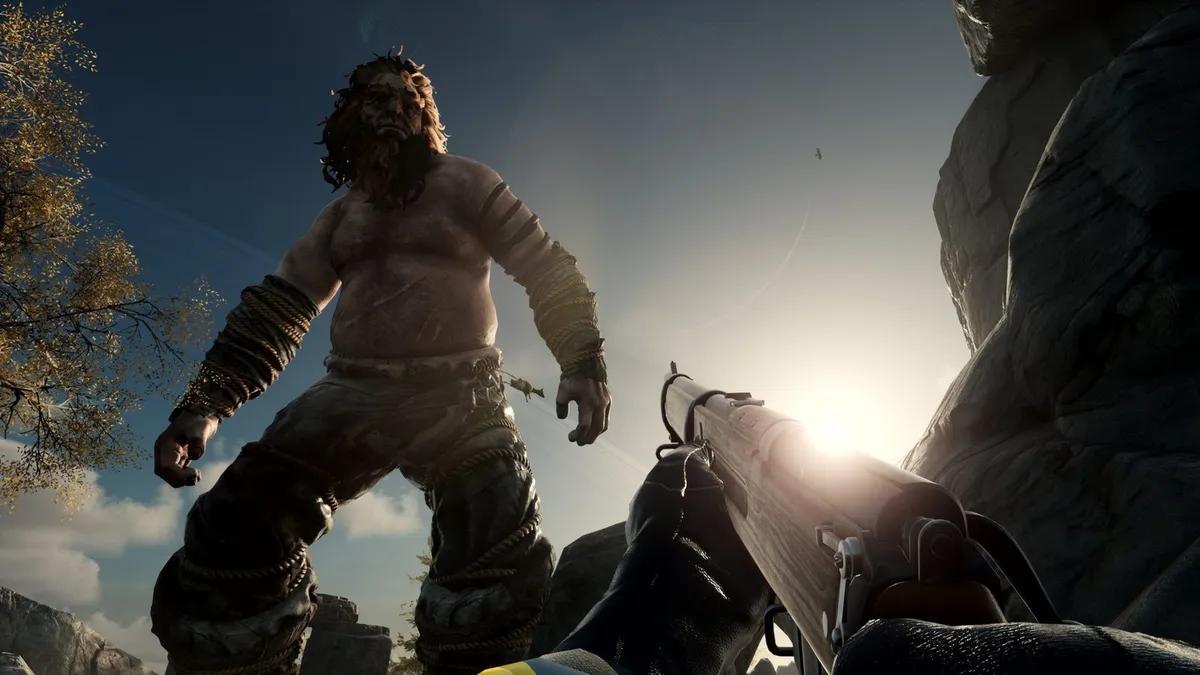
Nightingale RPG: A Guide to Troubleshooting Launch Issues on PC



Nightingale, the immersive RPG set in the enchanting Fae realms, has captivated players with its early access release. However, the initial excitement has been dampened for some due to various bugs and errors, preventing a smooth launch experience. In this guide, we'll explore solutions to address the frustrating issue of Nightingale not launching on PC, offering insights on common errors and troubleshooting steps.
Resolving the "Error Getting Shards for Client"
A prevalent error message faced by many Nightingale players is the "error getting shards for client," hindering the game's launch. Given the common occurrence of Nightingale not launching on PC, a recommended approach is to patiently await updates or patches from the developers. Notably, Inflexion Games has initiated server maintenance post-release, actively addressing errors and demonstrating a commitment to enhancing the player experience. With the promise of AMD FSR 3 support, the focus is clear – delivering a quality gaming experience.
Potential Fixes at Your End

While updates and patches are underway, there's a possibility that the issue lies on the player's end. Here are steps you can take to troubleshoot the problem:
Verify the Integrity of Game Files:
- Right-click on Nightingale in your Steam library.
- Navigate to Properties and go to the Local Files tab.
- Verify the integrity of game files to identify and replace any damaged files.
Update Your Graphics Drivers:
- Visit your graphics card manufacturer's website to ensure your drivers are up to date.
- Automatic driver updates are usually available on these websites for convenient installation.
Reinstall Nightingale:
- Uninstall Nightingale from your PC.
- Reinstall the game, a classic yet effective method to resolve various errors.
Patience for Patches
If the aforementioned steps don't yield results, your best course of action is to await a patch from the developer. Inflexion Games is actively addressing issues, and a comprehensive patch may provide a definitive solution.
In conclusion, this guide equips you with the necessary steps to address Nightingale's launch issues on PC. While implementing these solutions, we remain optimistic that Inflexion Games will release a patch, ensuring players can immerse themselves in the enchanting world of Nightingale without hindrances.


 Успішно скопійовано... Дякуємо, що поділилися нашим вмістом!:



5% бонус на депозит до 100 дорогоцінних каменів

безкоштовний подарунковий кейс





EGAMERSW - отримайте бонус на депозит 11% + безкоштовне обертання бонусного колеса


ДОДАТКОВИЙ БОНУС НА ДЕПОЗИТ 10% + БЕЗКОШТОВНІ ОБЕРТАННЯ 2 КОЛІС

3 безкоштовні кейси + 100% до 100 монет на перший депозит


5 безкоштовних кейсів, щоденні безкоштовні та бонусні

3 безкоштовні кейси та бонус 5% до всіх депозитів готівкою.

+5% до депозиту




Коментарі